Photograph the work you finished
Give finished repairs their own clear photo, and lead with the front of the house.
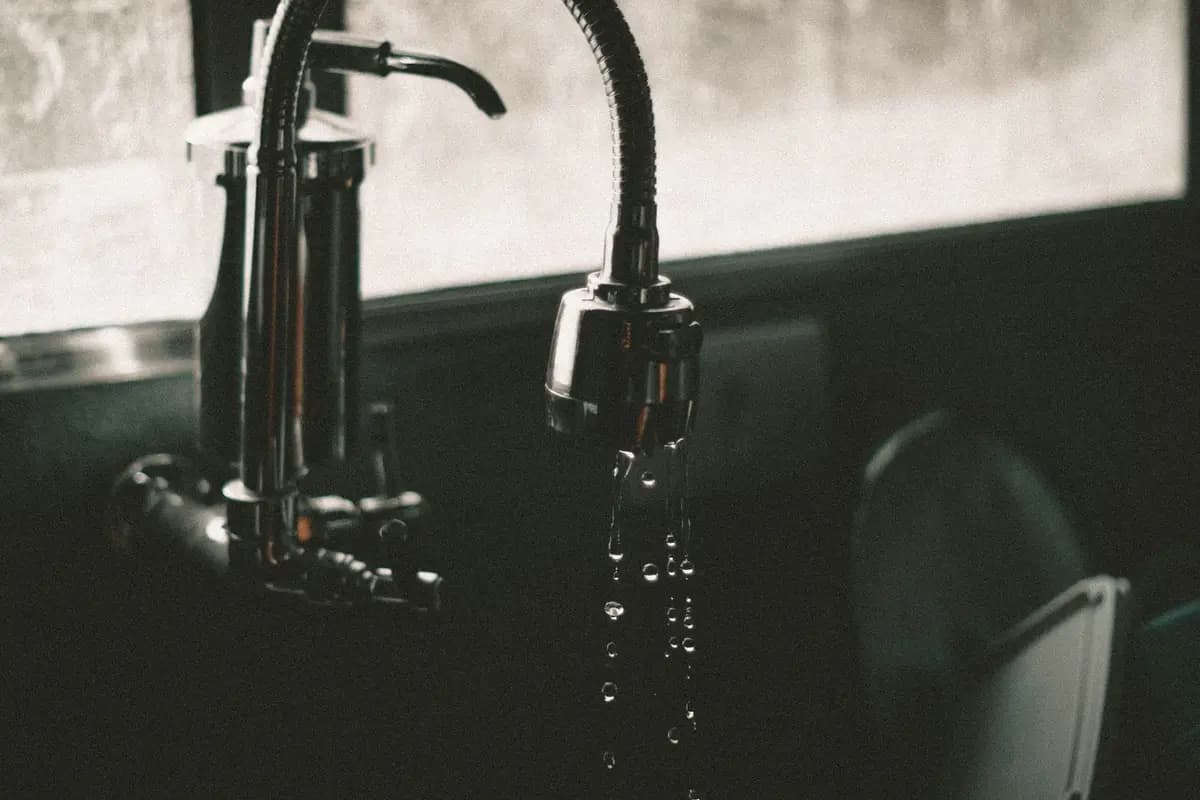
People scroll quickly. A clear photo of a repaired step, a new faucet, or the label on a replaced water heater answers a question before the showing. Give each finished repair its own frame, with enough light to read the work. Do not bury it in a wide shot where the repair is a speck. If you cannot tell what was fixed, the photo is not done.
Do not feature a project you have not finished. An open wall, a missing fixture, or a taped joint belongs in the A form where you report what you know about the property. Your state decides which forms you sign. conversation, not as the first image. If the work is half done, finish it or leave it out of the set and say so in writing. A photo of an unfinished repair invites a credit request you have not priced. The repair folder should hold the invoice next to the photo so you can show what was done and when.
Lead the set with the best daylight photo of the front. Then the kitchen, each bathroom, and the main living space, before the extra rooms. A buyer who never gets past the first five images should still have seen the front and the rooms they will use every day. Retake any shot where the repair is blurry or dark. A soft photo of a new faucet is worse than no photo, because it looks like you are hiding the finish.
Keep the repair set short. One photo per finished item is enough. Name the file by the room and the item so you can find it when someone asks. If a repair is behind a panel, photograph the label or the access panel with the door open and the light on. You are not decorating the set. You are answering the question a careful visitor will ask with a picture you already took.
What to do
- Put the best daylight photo of the front first.
- Include one clear photo of the kitchen, each bathroom, and the main living space.
- Give each finished repair its own lit frame, and leave unfinished work out.
- Retake any repair shot that is blurry or dark, and keep the invoice with the photo.