Save every counter you send
Keep a copy of each counter in one folder, in the order you sent them.
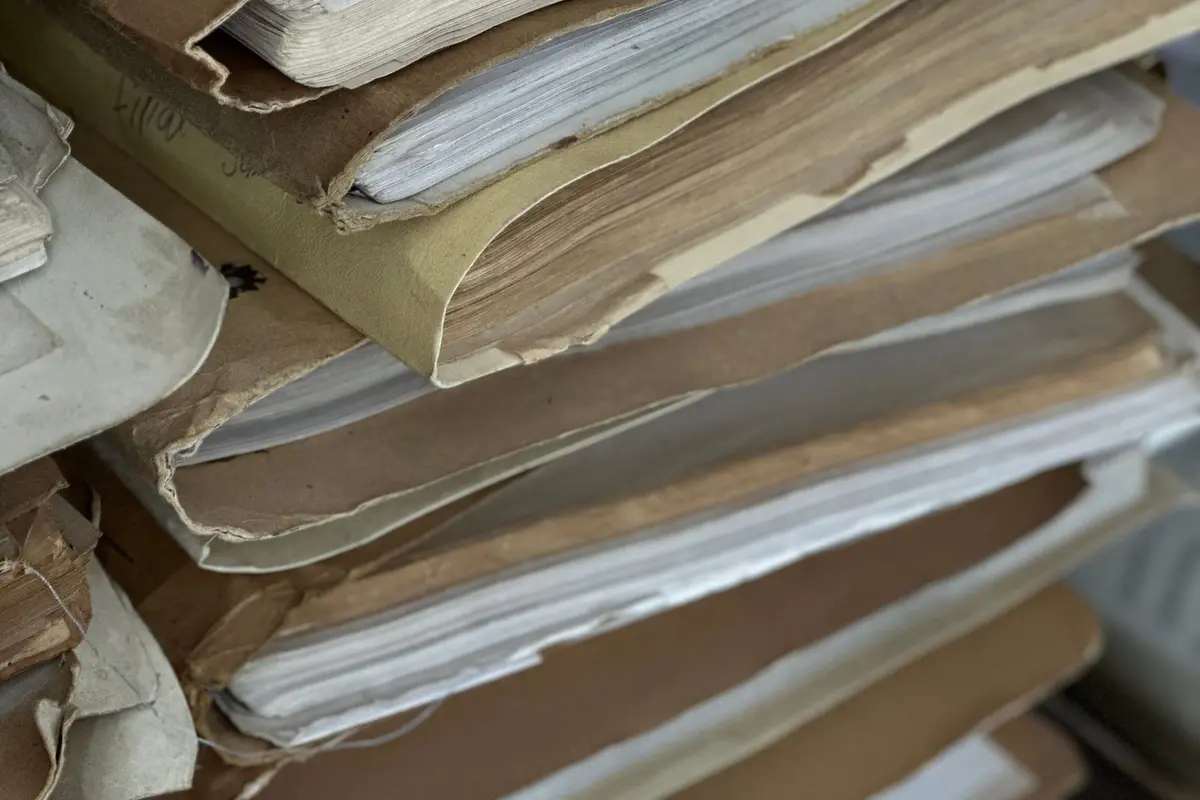
Each counter you send is a version of the deal. Save it the day you send it, not when you remember at the end of the week. Use one folder, paper or digital, and put only sent copies in it. A draft you almost sent does not belong next to the one the other side received. Number the copies by date so the newest is obvious.
When a new version arrives, read it beside the one you sent. Highlight only the lines that changed: price, credit, closing date, or what stays. An example: if the only change is the closing date, the highlight is that date, not the whole page. You can miss a one-line change if you reread the document as if it were new. The folder is what makes the comparison possible.
A simple folder and a pen are enough. If you want a paper set, a folder is a few dollars. If you keep digital copies, name the files with the date and the word counter, and keep them in one directory for this property. Do not leave the only copy in an email thread you might archive. Save the attachment into the folder the same day.
If you have an agent, ask for the same set in your folder. If you do not, you are the file. Before you send the next counter, open the last one you saved and check that you are changing the line you mean to change. A counter that accidentally drops a credit you already accepted is an expensive kind of tidy-up.
What to do
- Save each counter the day you send it.
- Number the copies by date.
- Highlight only the lines that changed on the next version.
- Open the last saved copy before you send another.